Tag: Productivity

  • Turn a Long Document into a Briefing and Slides with ChatGPT — Si Bodoh Lesson 3

    Turn a Long Document into a Briefing and Slides with ChatGPT — Si Bodoh Lesson 3

    Education · Si Bodoh Gets Productive · Lesson 3

    This is the English version · About 7½ minutes. The Malay version is below — scroll down or jump there.

    A 182-page document. A Friday deadline. A briefing for Miss Tan. In Lesson 3, Si Bodoh uses ChatGPT to understand a long document and turn it into a clear briefing and presentation.

    Follow him through a fictional request for proposal (RFP), from identifying the important requirements to checking the evidence, adding company information and preparing two documents that tell the same story.
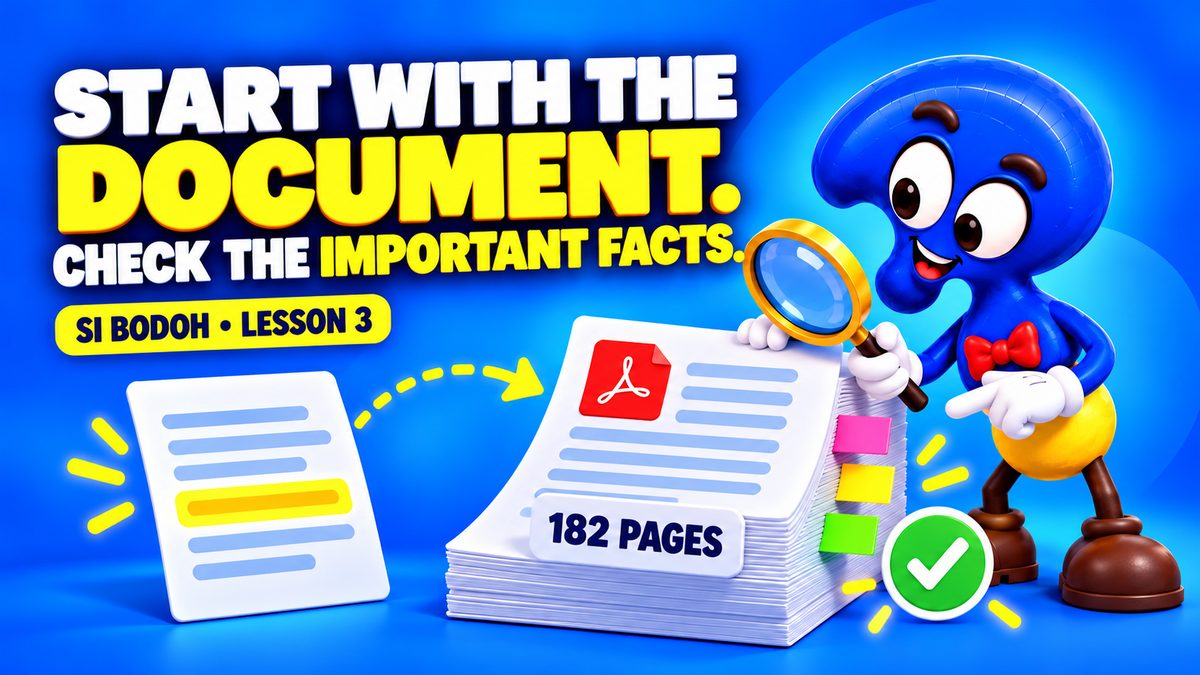
    Si Bodoh checks a short overview against the original 182-page document using page references.
    A useful overview points back to its source. See how Si Bodoh checks key requirements against the original document before relying on the summary.

    Four things you’ll learn

    01 · UNDERSTAND

    Find what matters

    Ask for a concise overview with page references, covering the scope, deadlines, requirements and questions still to resolve.

    02 · VERIFY

    Check the evidence

    Return to the source document and verify the details that affect the decision. The three checks shown demonstrate the method.

    03 · BRIEF

    Add the facts AI cannot know

    Supply checked company information, then prepare an editable Word briefing that ends with the decisions Miss Tan needs to make.

    04 · PRESENT

    Turn the briefing into slides

    Create a six-slide PowerPoint, then compare it with the briefing so the dates, requirements and advice agree before sending.
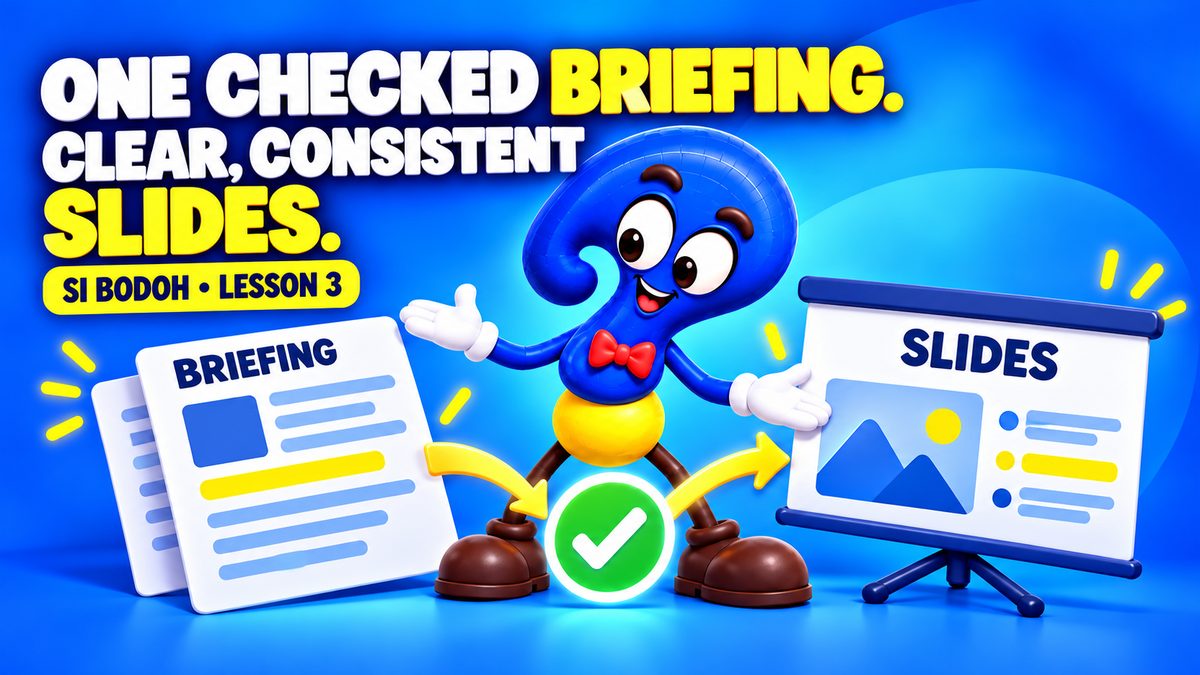
    Si Bodoh presents a checked briefing and a matching set of presentation slides.
    The briefing provides the detail; the slides support the discussion. ChatGPT helps organise the information, while Si Bodoh checks the facts and prepares it for a human decision.

    Watch in Malay / Bahasa Malaysia

    Follow the same lesson in Malay, with English subtitles.

    Malay version · About 8¾ minutes. Open on YouTube

    Fictional training example. The project, tender dates, amounts and company scenario are invented for this lesson. Demonstration screens are recreated for clarity. Check all information affecting a real decision against its sources.

    Watch next
    Enjoy looking a little deeper? Subscribe to FindingOut Malaysia on YouTube for new videos.

  • Write a Professional Reply with ChatGPT — Si Bodoh Lesson 2

    Write a Professional Reply with ChatGPT — Si Bodoh Lesson 2

    Education · Si Bodoh Gets Productive · Lesson 2

    This is the English version · About 7½ minutes. The Malay version is below — scroll down or jump there.

    A client complaint. A tight deadline. A professional reply to prepare. In Lesson 2, Si Bodoh uses ChatGPT to draft a response, check the facts and turn the approved wording into a formatted letter.

    Ms Tan needs a draft by four o’clock. Follow Si Bodoh from the client’s original letter to a reviewed reply, then discover how a reusable company template can make the next letter easier.

    Si Bodoh checks a highlighted claim in a draft letter against the source documents.
    A confident draft still needs checking. Si Bodoh spots an unverified claim about inspections and asks ChatGPT to revise it before the letter goes for approval.

    Five things you’ll learn

    01 · DRAFT

    Start with the original letter

    Use the client’s message and a clear instruction to prepare a firm, professional first draft.

    02 · REVIEW

    Check the facts

    Compare the draft with the available records. Identify assumptions and statements that have not been verified.

    03 · REFINE

    Improve the reply

    Give specific feedback, correct unsupported wording and obtain approval for the revised response.

    04 · FORMAT

    Prepare the Word letter

    Use a sample company letter as a formatting reference, keep the approved wording and check the finished document.

    05 · REUSE

    Keep a checked template

    Save a reusable company template so future letters can follow a consistent format, with fresh details checked each time.

    Si Bodoh saves a letter layout in a reusable template folder for the next document.
    See how the lesson turns a checked letter into a reusable template, keeping the company format ready for the next piece of correspondence.

    Watch in Malay / Bahasa Malaysia

    Follow the same lesson in Malay. The example letters, prompts and some on-screen labels remain in English.

    Malay version · About 8 minutes. Open on YouTube

    ← Lesson 1: Write better emails with ChatGPT

    Fictional training example. Review AI-generated content and follow your organisation’s approval process before sending correspondence.

    Watch next

    Enjoy looking a little deeper? Subscribe to FindingOut Malaysia on YouTube for new videos.
  • Write Better Emails with ChatGPT — Si Bodoh Lesson 1

    Write Better Emails with ChatGPT — Si Bodoh Lesson 1

    Education · Si Bodoh Gets Productive · Lesson 1

    This is the English version · About 4 minutes. The Malay version is below — scroll down or jump there.

    Learn to write clearer, more professional emails with ChatGPT. In this short lesson, Si Bodoh replies to Ms Tan’s email, checks his response and keeps the conversation organised.

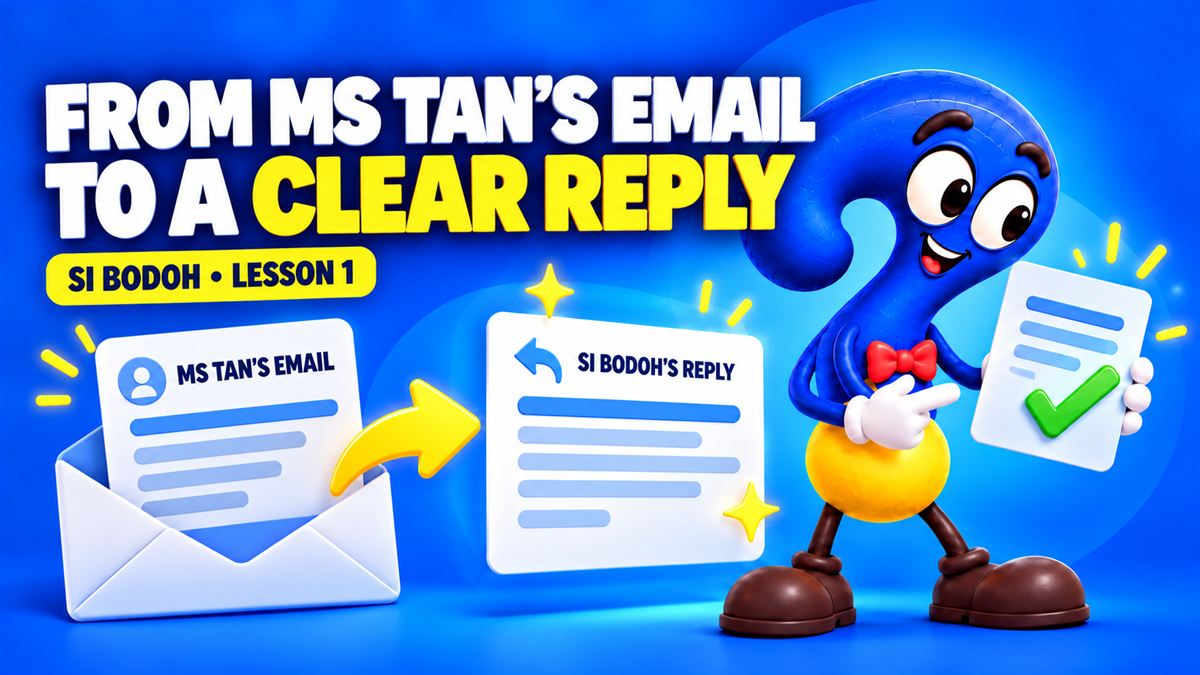
    Ms Tan’s incoming email leads to Si Bodoh’s clear reply, illustrated with two email panels and an arrow.
    Follow Si Bodoh as he uses ChatGPT to draft a reply to Ms Tan’s email. Learn to give a clear instruction, adjust the tone and check the details.

    Four steps to a better email

    01 · PROVIDE THE CONTEXT

    Start with the original email

    Start with the email you received. In this lesson, Ms Tan’s message provides the context for Si Bodoh’s reply.

    02 · SAY WHAT YOU NEED

    Give a clear instruction

    Explain who the email is for, what it should achieve and the tone you want. Ask for the facts to stay unchanged.

    03 · REVIEW AND REFINE

    Check before you send

    Read the draft for accuracy, dates, names and tone. Ask for a warmer or more formal version if needed, then review it again.

    04 · KEEP IT ORGANISED

    Make your work easy to find

    Give the conversation a recognisable name and keep related work in a project. Return to it when the next update is needed.

    Si Bodoh places a conversation and document into a project folder under the words Keep Your Work Together.
    Discover how naming a chat and keeping related work in a project makes it easier to find later. The video also introduces speaking your instructions instead of typing.

    Watch in Malay / Bahasa Malaysia

    Follow the same lesson in Malay. The example emails and on-screen instructions are in English.

    Malay version · About 5½ minutes. Open on YouTube

    Fictional training examples. Always review AI-generated work before using it.

    Watch next

    Enjoy looking a little deeper? Subscribe to FindingOut Malaysia on YouTube for new videos.