Education · Si Bodoh Gets Productive · Lesson 1
This is the English version · About 4 minutes. The Malay version is below — scroll down or jump there.
Learn to write clearer, more professional emails with ChatGPT. In this short lesson, Si Bodoh replies to Ms Tan’s email, checks his response and keeps the conversation organised.
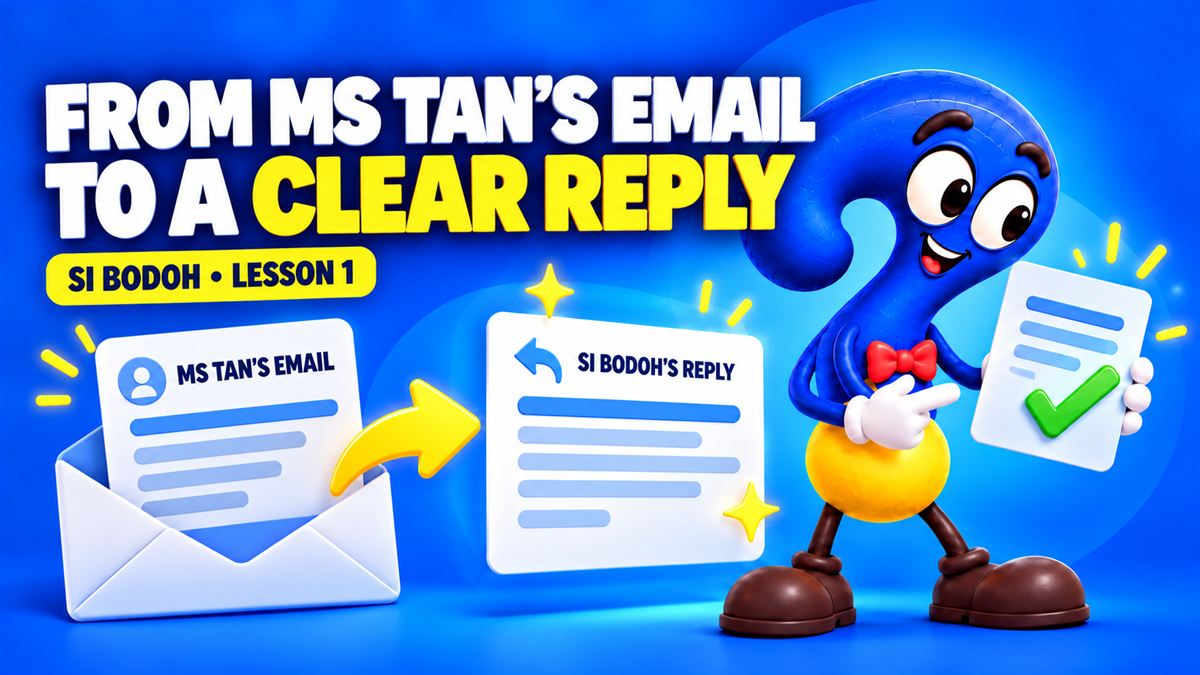
Four steps to a better email
Start with the original email
Start with the email you received. In this lesson, Ms Tan’s message provides the context for Si Bodoh’s reply.
Give a clear instruction
Explain who the email is for, what it should achieve and the tone you want. Ask for the facts to stay unchanged.
Check before you send
Read the draft for accuracy, dates, names and tone. Ask for a warmer or more formal version if needed, then review it again.
Make your work easy to find
Give the conversation a recognisable name and keep related work in a project. Return to it when the next update is needed.

Watch in Malay / Bahasa Malaysia
Follow the same lesson in Malay. The example emails and on-screen instructions are in English.
Malay version · About 5½ minutes. Open on YouTube
Fictional training examples. Always review AI-generated work before using it.
Watch next
Write a professional reply with ChatGPT
From documents to briefings & slides

Three Super Apps That Run Malaysia
Enjoy looking a little deeper? Subscribe to FindingOut Malaysia on YouTube for new videos.