Education · Si Bodoh Gets Productive · Lesson 3
This is the English version · About 7½ minutes. The Malay version is below — scroll down or jump there.
A 182-page document. A Friday deadline. A briefing for Miss Tan. In Lesson 3, Si Bodoh uses ChatGPT to understand a long document and turn it into a clear briefing and presentation.
Follow him through a fictional request for proposal (RFP), from identifying the important requirements to checking the evidence, adding company information and preparing two documents that tell the same story.
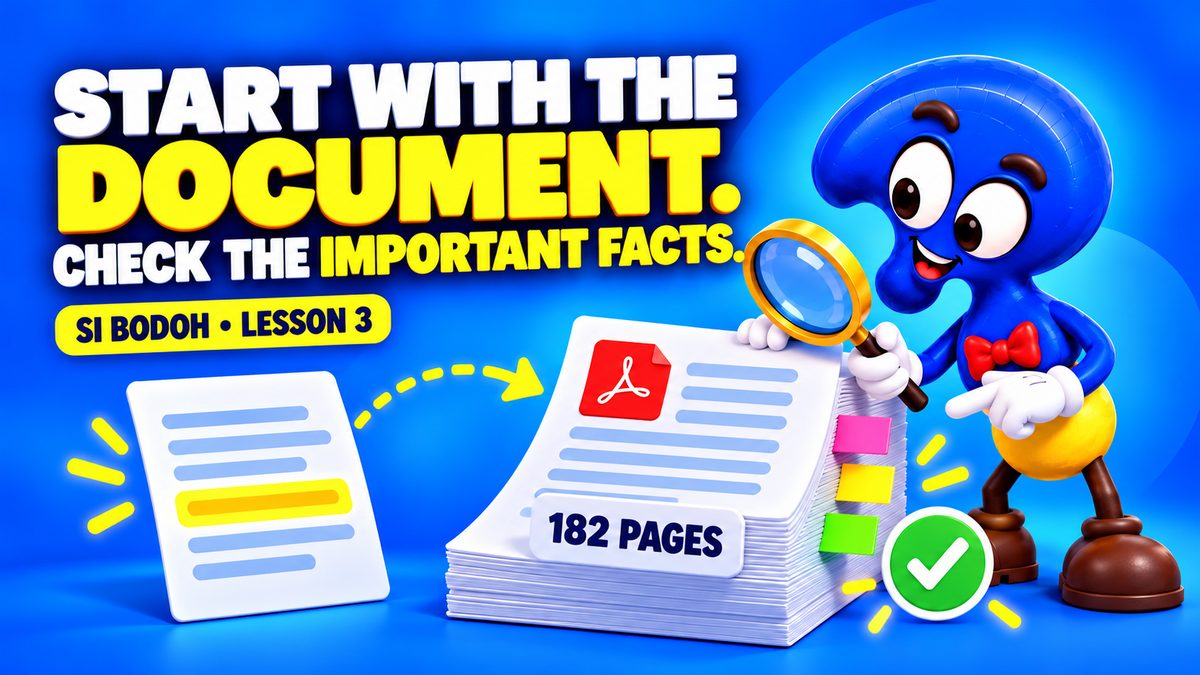
Four things you’ll learn
Find what matters
Ask for a concise overview with page references, covering the scope, deadlines, requirements and questions still to resolve.
Check the evidence
Return to the source document and verify the details that affect the decision. The three checks shown demonstrate the method.
Add the facts AI cannot know
Supply checked company information, then prepare an editable Word briefing that ends with the decisions Miss Tan needs to make.
Turn the briefing into slides
Create a six-slide PowerPoint, then compare it with the briefing so the dates, requirements and advice agree before sending.
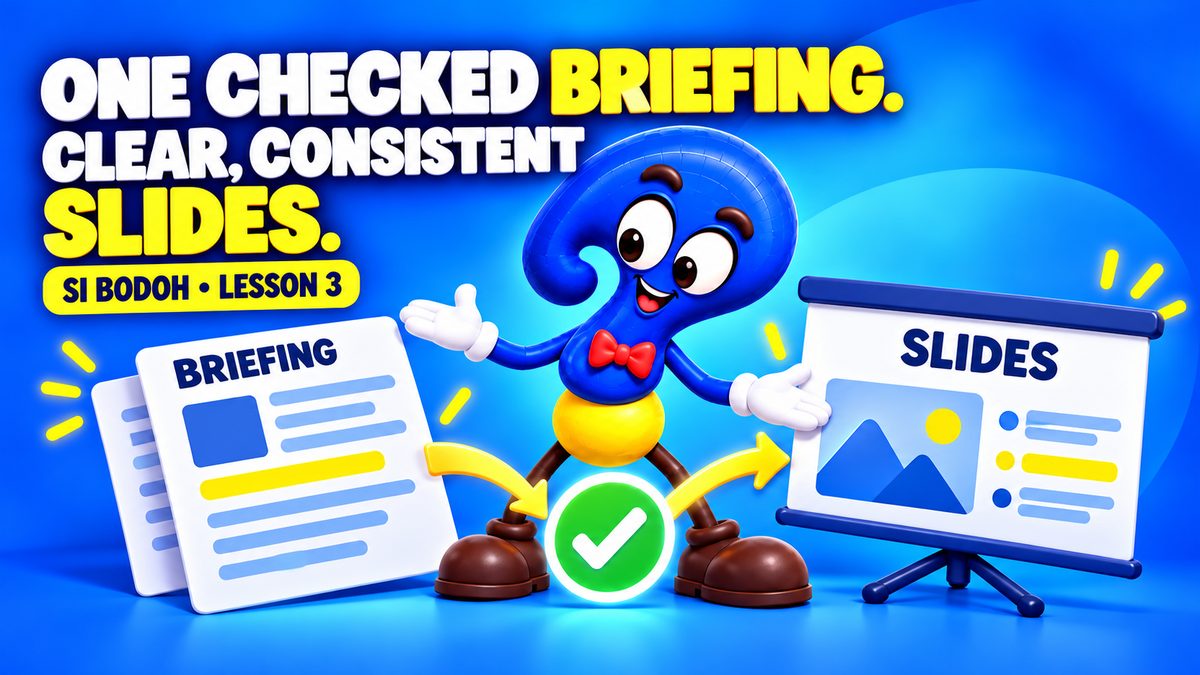
Watch in Malay / Bahasa Malaysia
Follow the same lesson in Malay, with English subtitles.
Malay version · About 8¾ minutes. Open on YouTube
Fictional training example. The project, tender dates, amounts and company scenario are invented for this lesson. Demonstration screens are recreated for clarity. Check all information affecting a real decision against its sources.
Watch next
Write better emails with ChatGPT
Write a professional reply with ChatGPT

Three Super Apps That Run Malaysia
Enjoy looking a little deeper? Subscribe to FindingOut Malaysia on YouTube for new videos.